How To Use Hyundai Remote Start
Remote start is a feature that lets you start your vehicle from a distance. It connects to your car through radio frequency via a key fob that can start or stop the engine with just one click. Moreover, auto manufacturers are adding other high-tech contributions to this feature, such as app connectivity. This will let you start your car via your smartphone. But how does the system work, and why should you bother with it? Keep reading to learn more.
Hyundai Remote Start With Bluelink
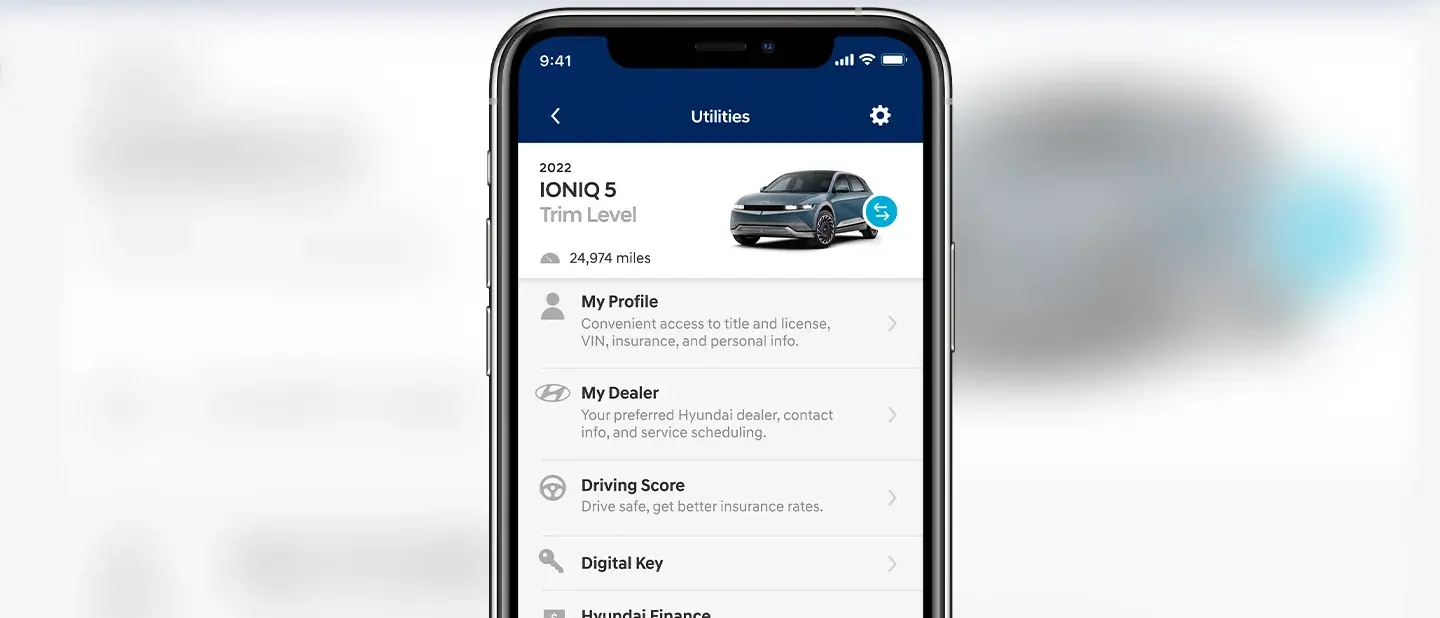
Hyundai Remote Start with Bluelink connectivity enables you to control various features and elements of your vehicle. Using it requires that your Hyundai is armed with Bluelink. You then must sign up for and activate a Bluelink account and download the MyHyundai (with Bluelink) app to your smartphone. The home screen will show the essential details of your vehicle, including:
- Fuel and fluid levels
- Range of miles
- Remote commands
- Status of doors, trunk, and brakes
You can also change the settings to have the app send you notifications if you accidentally leave your windows open or doors unlocked.